
Wrap Blog
Tesla wrap design guides, tutorials and inspiration.
2026-09-22
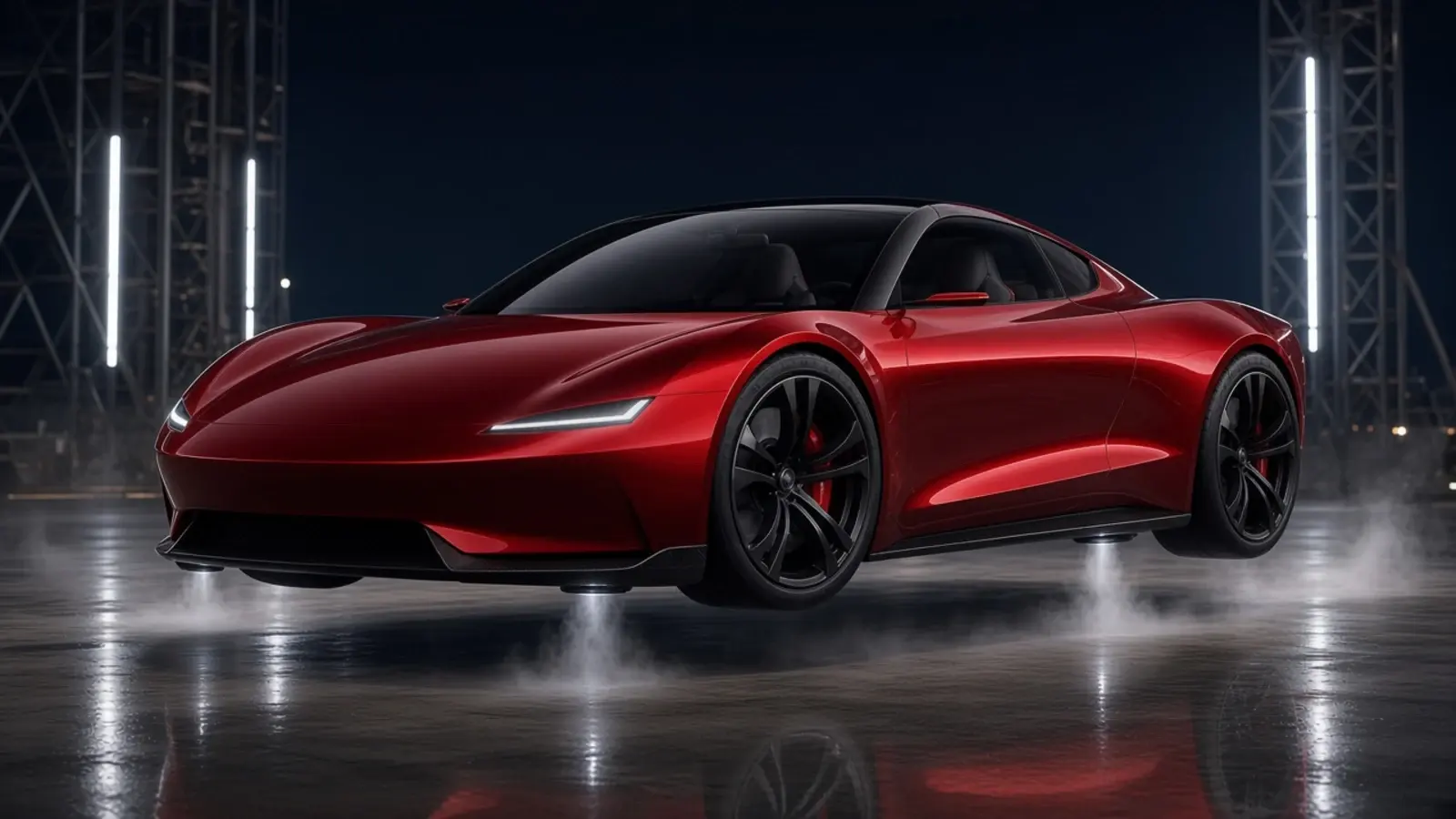
Tesla Roadster A71: SpaceX thrusters, fan downforce and motors vs the grip limit
Tesla will unveil the next-generation Roadster on October 1, 2026. What the A71 SpaceX cold-gas thrusters, fan-downforce patents and the '0–60 in under a second' claim actually mean — this English version translates and condenses the Chinese original, which is reproduced in full on the Chinese page.
Read more →
2026-07-23
Tesla 2026 summer update: phone wrap uploads, smarter navigation, Grok commands and more
Tesla's 2026 summer update tightens the phone–car pairing: mobile custom-wrap uploads, more Grok commands, Self-Driving data, smarter navigation, Caraoke scoring, rear display lock, and a batch of media and UI improvements. For digital wrap users the key change is: with Tesla App 4.59.0+, choose a compliant PNG via Creations → Wrap → Upload. USB remains available. Availability may still depend on model, vehicle software, region and staged rollout.
Read more →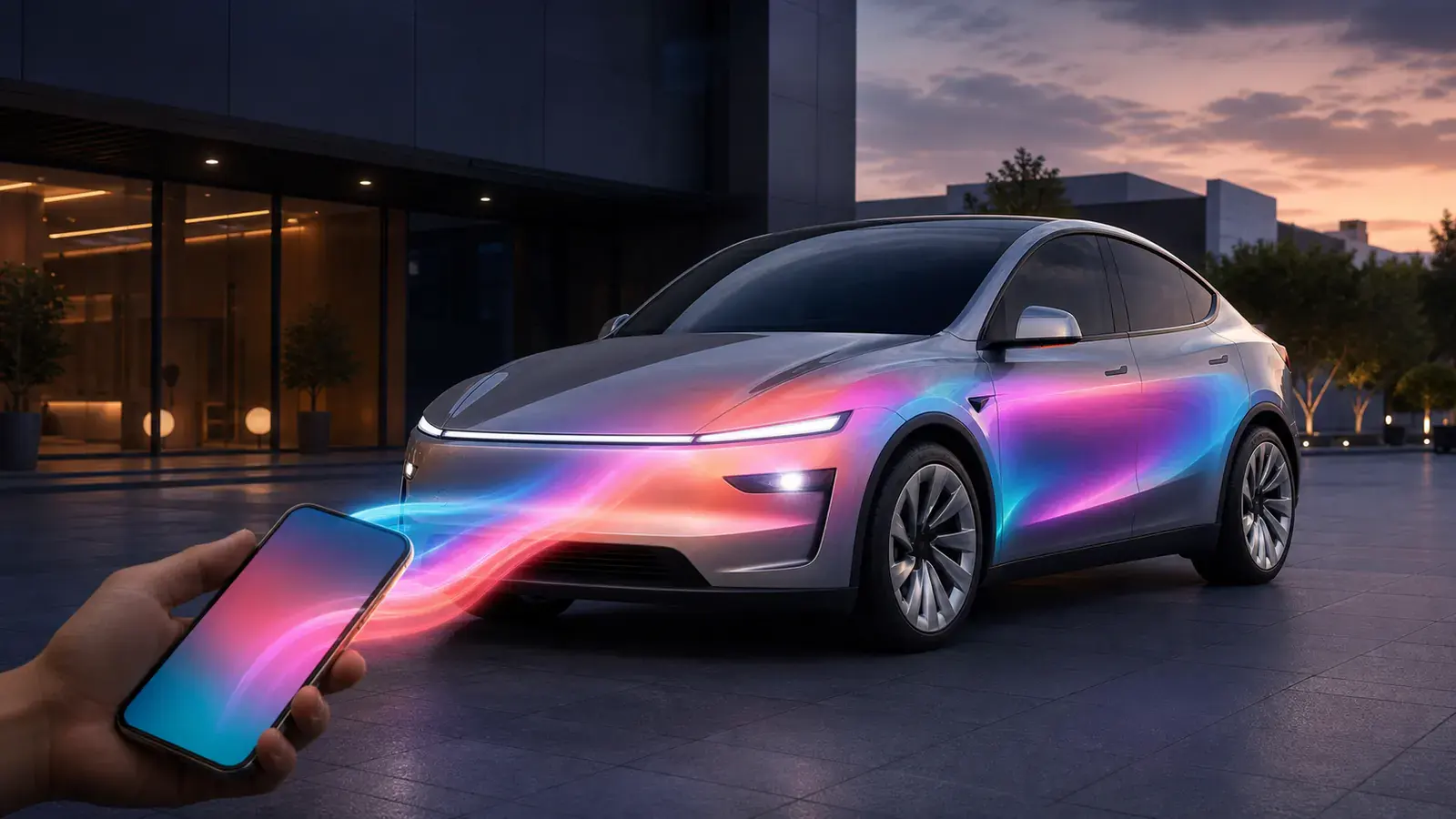
2026-07-23
How to upload a custom wrap with the Tesla mobile app
Upload custom wraps from your phone with Tesla App v4.59.0 or later — PNG, size, filename, file-count, preview and USB fallback requirements. Update the Tesla App to 4.59.0+, go to Creations → Wrap → Upload, and choose a compliant PNG: 512×512 to 1024×1024 px, under 1 MB, filename under 30 characters. First confirm the UV template matches your exact Tesla model and version — even a square PNG that passes file checks will map wrongly if it came from another car's template.
Read more →
2026-03-12
2026 Tesla wrap complete guide — design, download and install in one article
A practical guide to Tesla digital wraps: design your own online, download the PNG, and load it onto the car via Paint Shop. Covers Model 3, Model Y, Cybertruck and more. If you've seen a cool custom skin on a Tesla touchscreen and wondered how — it's simpler than you think. Paint Shop can load any PNG onto the vehicle's display as a virtual wrap: no film, no paint, no cost. Just a USB drive and a few minutes.
Read more →
2026-03-10
2026 Tesla wrap design trends — what actually looks good
We run a Tesla wrap community gallery and can see what people actually download and like — not what influencers push, but what real Tesla owners put on their cars. These are the styles that keep getting the most attention.
Read more →2026-03-08
Cybertruck wrap guide — why its angular design makes it the easiest Tesla to customise
Something most people don't realise: Cybertruck's angular, flat-panel design isn't just styling — it makes UV mapping almost effortless. Curved cars (like Model S) distort noticeably on the template (a circle on the template becomes an ellipse on the car); Cybertruck's flat panels mean what you see in the editor is almost what you get on the truck. That makes it the best starter Tesla for first-time wrap designers.
Read more →2026-03-06
Free Tesla wrap downloads — PNG templates for every model
Free Tesla wrap design PNG downloads. The community Gallery has thousands of wraps for Model 3, Model Y, Model S, Model X and Cybertruck. No registration, ready for Paint Shop. Every wrap on this site is free: browsing needs no account, there are no watermarks and no 'premium' upsells. Pick a design, download the PNG, put it on your car.
Read more →2026-03-04
Tesla Paint Shop not working? Everything we know about Toybox wraps
Tesla Paint Shop is either super simple or super frustrating — almost no middle ground. Tesla now offers two official transfer paths: Tesla App v4.59.0+ uploads of compliant PNGs, or USB. If neither works, the interface still gives limited error detail. We've helped thousands of people get their wraps working; here's everything we know.
Read more →